Deploy apps from ChatGPT, Claude, Cursor, and Codex

Connect AppDeploy once. Describe what you want.
Get a live URL in seconds.

Cursor
Connect Now Free to try • No credit card required
Ask anything
A AppDeploy

Deploy real apps, not just static landing pages

Everything you need to go from idea to live product, without leaving your agent.

From Chat to Live

You describe it, your AI builds it, and AppDeploy puts it online instantly. No file uploads required.

🛠️

No Setup Headaches

Forget about servers, DNS, or complex deployment steps. It just works.

🔗

Share Instantly

Get a real, secure URL you can send to friends, investors, or customers immediately.

How it works

Three quick steps to go live.

  1. 1

    Connect AppDeploy to your favorite agent (ChatGPT, Claude, Cursor, or Codex).

  2. 2

    Describe what you want to build in natural language.

  3. 3

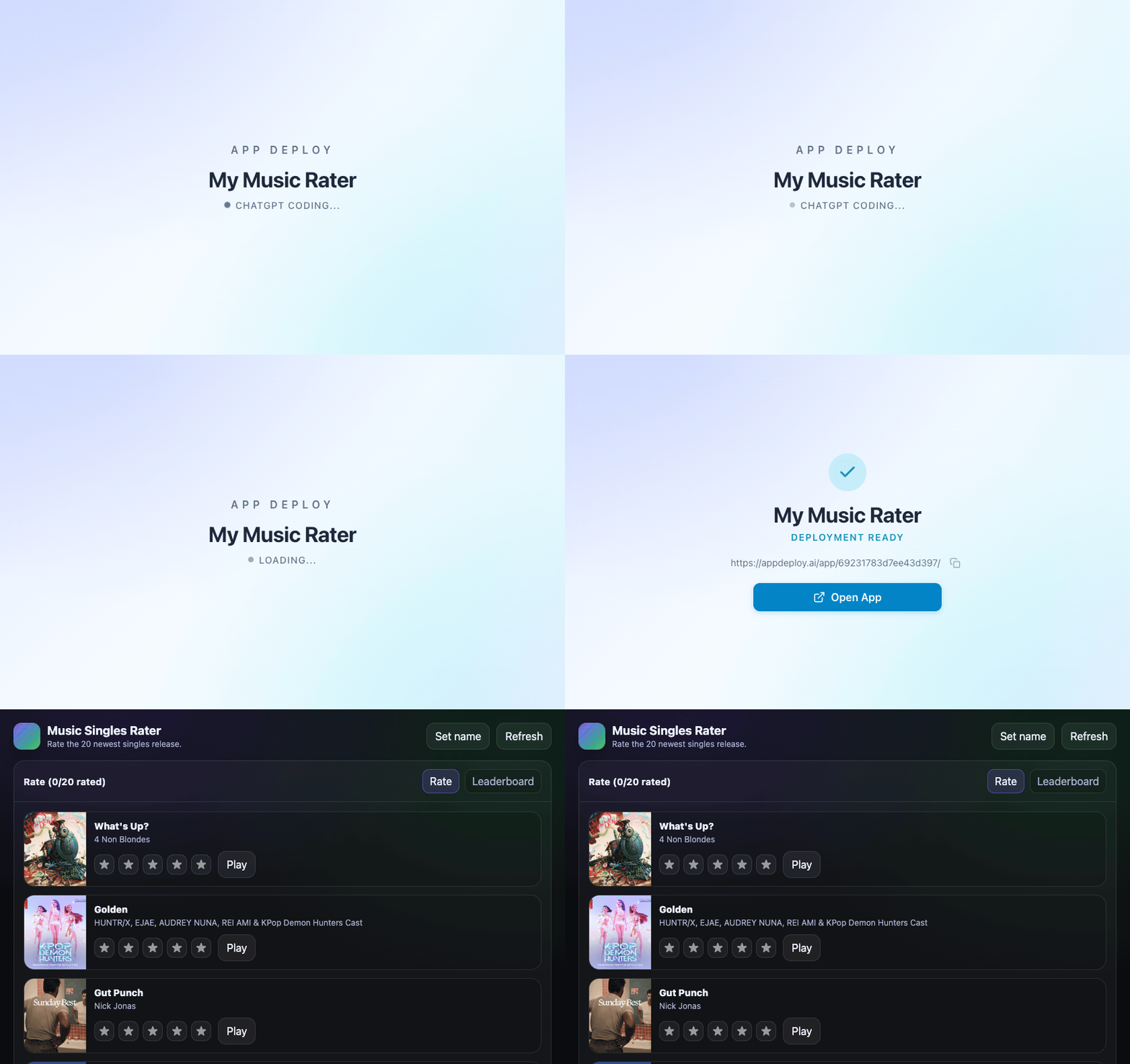
    AppDeploy builds, deploys, and returns a live URL you can share instantly.

From idea to live link

Your AI
Generates the app
A
AppDeploy
Deploys it
You're live
Share the link

One connection. Your agent builds. AppDeploy launches.

Connect in Seconds

Choose your agent and follow the quick setup.

Claude (Web / Desktop)

Works on Pro, Team, Max & Enterprise
  1. 1 Click your name (bottom left) → SettingsConnectors
  2. 2 Click the button Add custom connector on the bottom of the page
  3. 3 Fill in Name: AppDeploy, Remote MCP server URL:
https://api-v2.appdeploy.ai/mcp
Using the free version?

AppDeploy requires a paid plan to use MCP connectors. Check back soon to see if it's available in the ChatGPT App Directory or the Claude Connectors Directory.

ChatGPT

Works on Plus, Pro, Team & Enterprise
  1. 1 Click your name (bottom left) → SettingsAppsAdvanced settings
  2. 2 Enable Developer mode (BETA)
  3. 3 Click Create app and fill in Name: AppDeploy, MCP Server URL:
https://api-v2.appdeploy.ai/mcp
Using the free version?

AppDeploy requires a paid plan to use MCP connectors. Check back soon to see if it's available in the ChatGPT App Directory or the Claude Connectors Directory.

Codex

Run in terminal:

codex mcp add AppDeploy --url https://api-v2.appdeploy.ai/mcp

Claude Code

Run in terminal:

claude mcp add --transport http AppDeploy https://api-v2.appdeploy.ai/mcp

Cursor

One-click install:

Install in Cursor

Need help? Contact support

Frequently Asked Questions

Which AI agents are supported?

AppDeploy works with ChatGPT, Claude Desktop, Claude Web, and Claude Code, Cursor, Codex, and any other agent that supports MCP (Model Context Protocol).

Do I need to install anything?

It depends on your agent.

  • ChatGPT users connect via the App Directory (once it is available).
  • Claude Desktop/Web users add a custom connector in Settings → Connectors.
  • Cursor users can one-click install or add config manually.
  • Codex and Claude Code users run a simple terminal command.
Do I need to know how to code?

No. If you can chat with an AI assistant, you can build and publish a website with AppDeploy.

How much does it cost?

The service is free to try under fair use. You can deploy your first app without needing to enter credit card details. We may introduce a paid tier in the future.

What kind of apps can I build?

You can build everything from simple landing pages to a full application with complex logic, a server, and a database.

Where does my app run?

AppDeploy hosts it for you on fast, reliable cloud infrastructure. You don't need to set up servers, domains, or certificates.

How long will it take for my app to go live?

Apps typically go live within a few seconds. You'll see the progress in your AI chat and get a link to your app once it's ready.

How can I contact support?

You can email us at support@appdeploy.ai and we will do our best to promptly reply and assist.

Do I have access to my code at all times?

Yes. You can ask the AI assistant to pull all the source code at any time - whether it's the latest version or a previous one.